Getting Started with NodeKit
Welcome to NodeKit, your command-line one-stop-shop for Algorand node running.
NodeKit can help you with:
- Installing and configuring an Algorand node
- Syncing your node with the latest state of the network
- Managing consensus participation keys
- Monitoring your node and the network
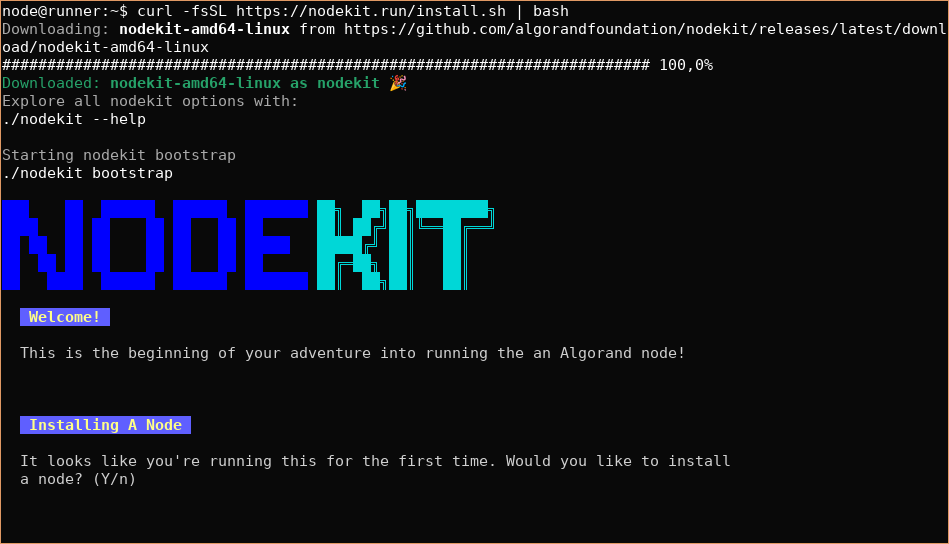
To get started with NodeKit, copy-paste this command in your terminal:
wget -qO- https://nodekit.run/install.sh | bashcurl -fsSL https://nodekit.run/install.sh | bashTroubleshooting: Command ‘bash’ not found
Some versions of Mac OS may not include the required bash executable that runs the installer.
If you get an error about bash not being available, please install bash on your system manually.
For Mac OS, a popular way to do this is to install Homebrew and then install bash using:
brew install bashThis will detect your operating system and download the appropriate NodeKit executable to your local directory.
It will then immediately start the bootstrap process to get your Algorand node up and running: